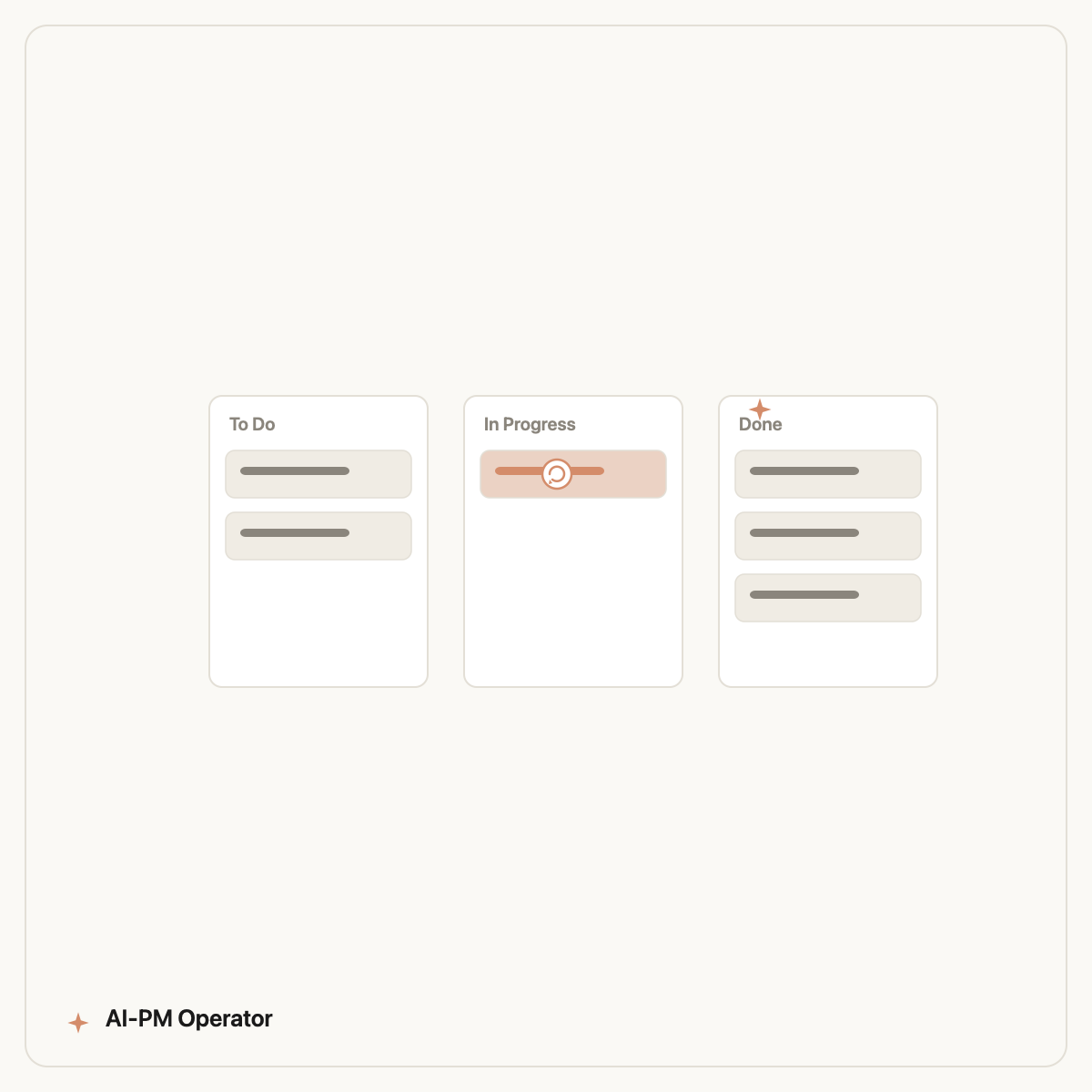
To automate sprint retrospectives, point an AI execution agent at your Jira board so it reads the real sprint data — completed work, blockers, stale tickets, carry-overs — and drafts the retro for you to review. Done right, it turns the recurring Friday-afternoon reporting grind into a few minutes of editing, without losing the human discussion that makes a retro useful.
The key word is execution. A chatbot can give you a retro template; an agent connected to Jira works from what actually happened this sprint. Here's how to set it up and where to keep a human in the loop.
Why sprint reporting eats so much time
The retro itself is valuable — the team reflecting together is the point. What's wasteful is the prep: scrolling the board, tallying what shipped, hunting for blockers, reconstructing why three tickets slipped. That data-gathering is mechanical, repetitive, and exactly what AI does well.
In eight years running product, sprint prep was the task I most resented: high-toil, low-judgement, and due every two weeks like clockwork. It's the ideal first thing to automate — a theme we cover across AI for product managers.
What an AI agent can pull from your board
Connected to Jira, an execution agent can assemble the entire factual backbone of a retro in seconds:
- Throughput: what was committed vs. completed, and the delta.
- Blockers & stale tickets: items stuck in a column past a threshold, or flagged blocked.
- Carry-overs: work rolling into next sprint, with likely reasons.
- WIP overload: too much in progress at once — a common silent killer of flow.
- Scope churn: tickets added or removed mid-sprint.
From that, it drafts a structured retro: what went well, what didn't, and concrete action items — grounded in data, not vibes.
Setting it up step by step
1. Use an execution agent, not a chatbot
You need an AI that can connect to Jira and act, not just chat. The terminal agent most product teams are adopting for this is Claude Code — driven in plain English, no coding required. Start with Claude Code for product managers if it's new to you.
2. Connect Jira
The agent connects to Jira via an integration (MCP) using a read-scoped API token. Give it read access first; only grant write access (to post the summary as a comment) once you trust the output.
3. Define what "good" looks like
Tell the agent your board structure, your definition of done, and your blocker thresholds — once. This is the part that takes iteration, and it's why a pre-built skill saves weeks.
4. Keep the human step
Let the agent produce the draft and the data; let the team own the discussion and the decisions. Automate the prep, not the conversation.
Mistakes to avoid when automating retros
Automation amplifies whatever process you already have — including its flaws. A few traps I've hit personally and watched other teams fall into:
- Automating the discussion, not just the prep. If the team stops talking and just reads an AI summary, you've optimised away the entire point of a retro. Keep the conversation human; automate only the data-gathering that feeds it.
- Trusting the draft blindly. An agent reports what the board says, and boards lie — tickets get closed without being done, or sit in the wrong column. Spot-check until the agent's picture matches reality.
- Garbage in, garbage out. If your board hygiene is poor, the retro will be too. Fix the obvious data issues first; the automation will then surface the subtler ones for you.
- Over-configuring on day one. Start with a read-only audit and one simple output. Add write access and richer reports only once you trust what it produces.
Treat the first few runs as a calibration period. Once the agent's draft consistently matches what you'd have written by hand, you can let it run on a schedule and just review.
The shortcut: a pre-built sprint skill
Teaching an agent your board conventions from scratch works, but it's slow. The Designyourdreams ships a sprint-management skill that already knows how to audit a board, surface blockers, and draft a retro the way a senior PM would — install it into Claude Code in one command.
It's one of 100 PM skills in the package; you can browse the full library or related workflows like AI PRD generation.
Frequently asked questions
Can AI run a sprint retrospective on its own?
AI should automate the prep — pulling throughput, blockers, stale tickets, and carry-overs from Jira and drafting the summary — but the team should still own the discussion and action items. Automate the data-gathering, not the conversation.
How does AI connect to my Jira board?
An execution agent like Claude Code connects to Jira through an integration (MCP) using an API token. Start with read-only access so it can analyse the board, and only grant write access once you trust the output.
Is this safe with our private project data?
Use a read-scoped token and review what the agent accesses. The Designyourdreams never requires write access to function and keeps configuration local; grant the minimum permissions needed.
How much time does it actually save?
Most of the savings come from eliminating manual board scrolling and tallying — typically the bulk of retro prep. The reflective discussion stays; only the busywork around it disappears.
Automate your next sprint report
The Designyourdreams gives Claude Code a battle-tested sprint skill that audits your board and drafts the retro from real data. Copy the install command and try it this Friday.
Book a free audit →