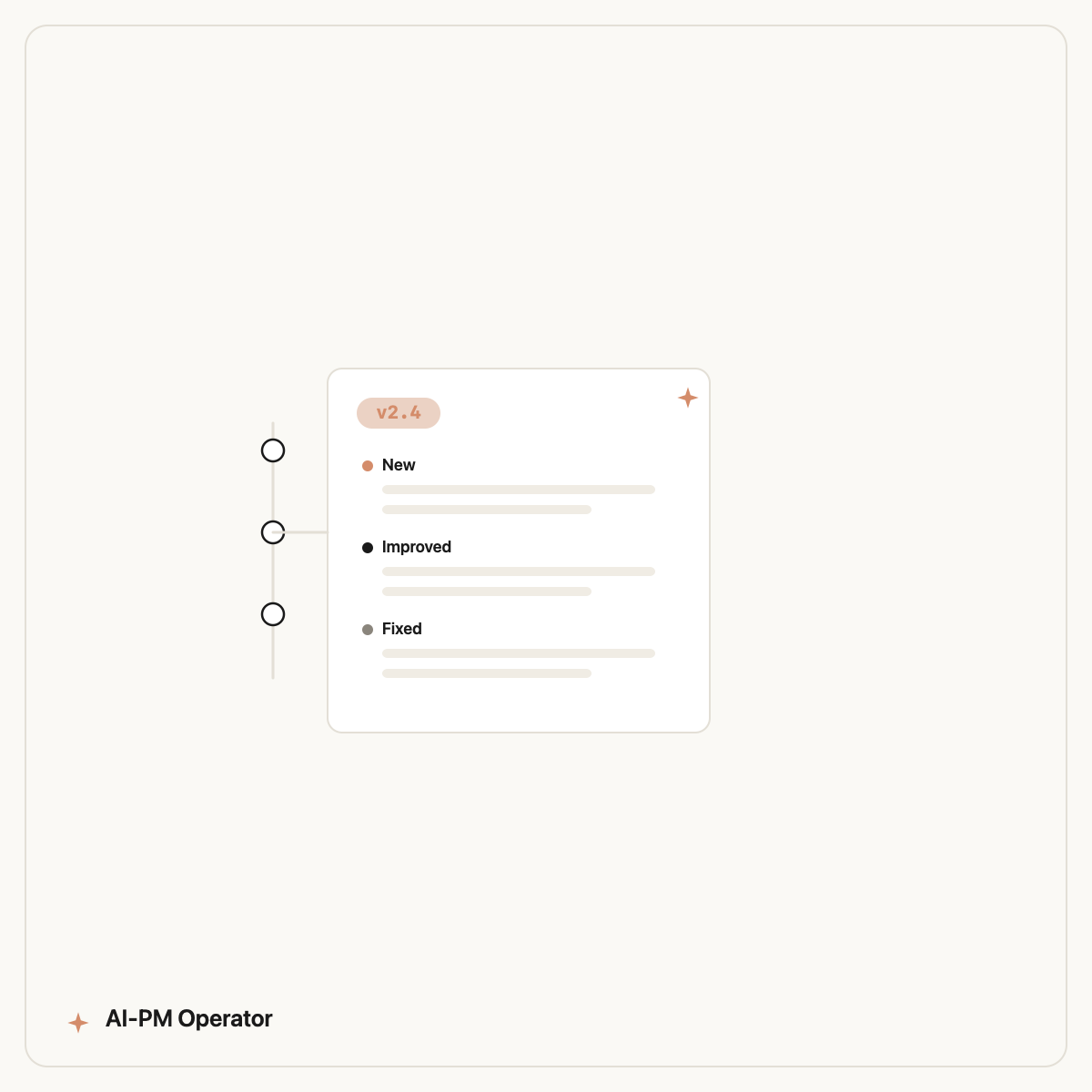
To automate release notes with AI, point an execution agent at the work your team already shipped — merged pull requests, commit messages, and closed tickets — and have it draft clear, customer-facing notes grouped by theme. You review and publish, instead of reconstructing the changelog from memory every release.
Release notes are the classic task that's important, repetitive, and always rushed at the end of a cycle. That makes them ideal to automate. Here's how.
Why release notes get neglected
By the time a release ships, the team has moved on. Writing notes means digging back through tickets and commits to remember what changed and translating engineer-speak into customer language. It's tedious, so it gets skipped or rushed — and customers notice. AI removes the digging.
It's part of the broader move to automate recurring PM work — see AI for product managers.
What an AI agent pulls together
Connected to your repo and tracker, an execution agent assembles the changelog from real sources:
- Merged PRs & commits since the last release, grouped by feature area.
- Closed tickets mapped to user-facing changes (not internal refactors).
- Customer-language rewrite — turning "fix null deref in checkout" into "Fixed a rare error at checkout."
- Categorisation into New, Improved, and Fixed.
The workflow step by step
1. Use an execution agent
You need an agent that can read your git history and tracker — Claude Code does this in plain English. See Claude Code for product managers.
2. Define your format and audience
Tell it your sections, tone, and what to exclude (internal-only changes). This is the part a reusable skill captures so you set it once.
3. Review, then publish
The draft is 90% there; you add the framing and ship. For deeper automation, the same approach handles sprint retrospectives and weekly metrics.
4. Run it every release
The real payoff is making it routine. A packaged skill can generate notes on every release without you re-prompting — see how the model extends in the future of product management.
Common pitfalls to avoid
Automated release notes go wrong in a few predictable ways. Watch for these:
- Leaking internal changes. Refactors, test fixes, and infra work shouldn't appear in customer notes. Tell the agent what to exclude, and skim the draft for jargon that slipped through.
- Commit-message soup. If your commits are terse or inconsistent, the notes inherit that. Lean on closed tickets and PR titles as the better source of user-facing intent.
- No grouping. A flat list of 30 changes is noise. Group into New, Improved, and Fixed so customers can scan.
- Losing the 'why'. AI describes what changed; you add why it matters. A one-line benefit per highlight is what makes notes worth reading.
- Set-and-forget with no review. Automating the draft is the goal; auto-publishing without a glance is not. Keep a 60-second human check.
Handle these and your notes stay accurate and genuinely useful — the same review discipline that makes automated sprint retrospectives trustworthy.
The shortcut
The Designyourdreams ships a release-notes skill that already knows how to turn git history and closed tickets into customer-ready changelogs — one of 100 skills installable in one command. Browse the library or compare options in the best AI tools for product managers.
Frequently asked questions
Can AI write release notes automatically?
Yes. An execution agent connected to your repo and tracker can turn merged PRs, commits, and closed tickets into a customer-facing changelog grouped by theme. You review and publish rather than writing from scratch.
What inputs does AI use to generate release notes?
Merged pull requests and commit messages, closed tickets mapped to user-facing changes, and your preferred format and tone. It filters out internal-only changes and rewrites technical language for customers.
How is this different from just asking ChatGPT?
ChatGPT can format notes you paste in, but it can't read your repo or tracker. An execution agent like Claude Code pulls the actual shipped work directly, so the notes reflect reality and take seconds, not an hour of digging.
Can release notes be generated on every release automatically?
Yes — that's the main benefit. With a reusable skill, the workflow runs each release without re-prompting, so notes stop being the rushed, skipped task at the end of a cycle.
How long does it take to set up automated release notes?
The first run takes longer because you define your format, tone, and what to exclude — usually under an hour. After that, generating notes for a release takes seconds: the agent reads the shipped work and drafts the changelog, and you review. A pre-built release-notes skill removes most of the initial setup.
Does automating release notes work with Linear as well as Jira?
Yes. An execution agent connects to whatever tracker you use — Jira, Linear, or others — via MCP, plus your git history. The source of truth is your merged work and closed tickets, regardless of which tool holds them.
Automate your next changelog
Designyourdreams gives Claude Code a release-notes skill that drafts customer-ready notes from your shipped work. Copy the install command and try it on your next release.
Book a free audit →