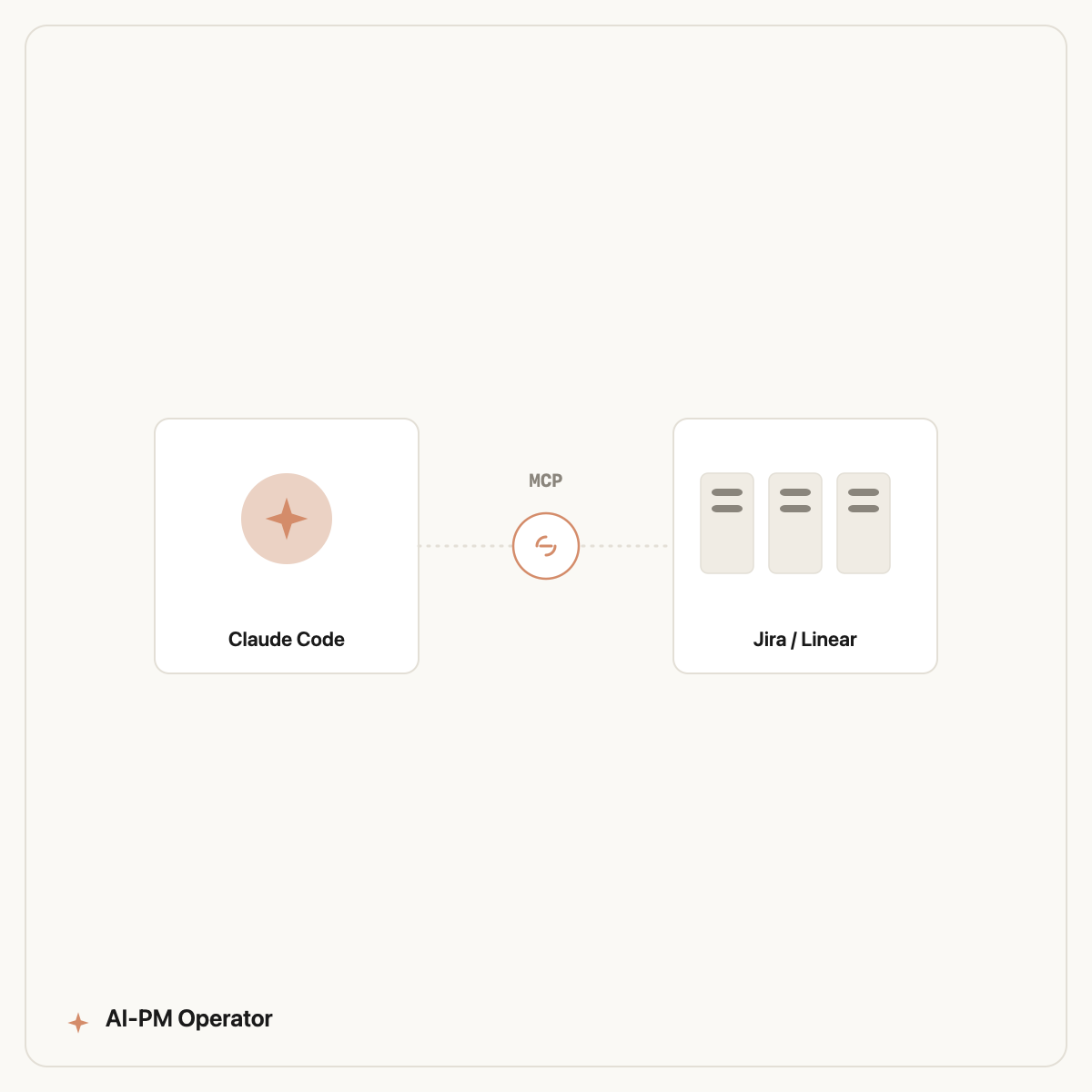
To connect Jira to Claude with MCP, add the Atlassian MCP server to Claude (or Claude Code), authenticate with your Atlassian account via OAuth, and grant the scopes you want — start read-only. Once connected, Claude can read your boards, issues, and sprints, and (with write scopes) create or update tickets directly, all in plain English.
MCP — the Model Context Protocol — is the open standard that lets Claude talk to outside tools like Jira instead of you copy-pasting tickets into a chat window. This guide walks the exact setup, the safe order to grant access, and the first workflows that actually save a PM time once the wire is live.
Watch: an AI agent reads a live Jira board, scores tickets against OKRs, and writes the report to Confluence.
What is MCP, and why connect Jira to Claude?
MCP (Model Context Protocol) is an open standard, introduced by Anthropic, that gives AI assistants a structured way to connect to external systems — issue trackers, databases, ad accounts, docs. Think of it as a universal adapter: instead of pasting a ticket into a chat, you connect the source once and Claude works from live data. Atlassian ships an official remote MCP server for Jira and Confluence, so you're not relying on a community hack.
For a product manager the payoff is concrete. A general chatbot can write a nice-sounding sprint summary from text you paste; a Claude that's connected to Jira can read the actual board, spot the three tickets with no estimate, flag the epic that's slipped two sprints, and draft the standup update — without you assembling the inputs. That shift from 'AI that talks about your work' to 'AI that operates on your work' is the whole point. If you're new to the agent itself, start with Claude Code for product managers.
Which way should you connect — Claude Desktop or Claude Code?
There are two common paths, and the right one depends on what you want to do afterward. Here's the honest comparison:
| Method | Best for | Setup effort | Automation |
|---|---|---|---|
| Claude.ai / Desktop + Atlassian MCP | Asking questions, ad-hoc summaries, light triage | Lowest — add the connector, click OAuth | Manual, chat-by-chat |
| Claude Code + Atlassian MCP | Repeatable PM workflows, scripted skills, multi-tool runs | Low — one CLI command + OAuth | High — skills run the same job every time |
| Claude Code + Designyourdreams skills | PMs who want the workflows pre-built and maintained | One-command install | Highest — sprint audits, release notes, PRDs out of the box |
If you just want to chat with your board, the Claude.ai connector is enough. If you want Jira work to run the same way every sprint — a repeatable 'audit this board' or 'draft release notes' job — connect through Claude Code, because that's where skills live.
How do you connect Jira to Claude with MCP? (step by step)
The setup is genuinely short. Below is the Claude Code route, which is the one most PMs end up wanting:
- 1. Install Claude Code — a single command; it runs on macOS, Windows, and Linux. This is the only step that touches a terminal.
- 2. Add the Atlassian MCP server — register Atlassian's official remote MCP endpoint with Claude Code (
claude mcp add). You're pointing Claude at Atlassian's hosted server, not building anything. - 3. Authenticate via OAuth — a browser window opens; you log in to Atlassian and approve access. Claude never sees your password, and the token is scoped to what you approve.
- 4. Grant read-only scopes first — start with read access to issues, boards, and sprints. Do not enable write (create/transition tickets) until you trust the output.
- 5. Verify the wire — ask something simple: 'List the open tickets in the current sprint for project ABC.' If it returns your real board, you're connected.
- 6. Add write access later, deliberately — once you've watched it work, enable create/update so Claude can file or move tickets on your say-so.
That's it. From here you operate everything in plain English — no ongoing coding. The whole thing takes a few minutes, and the slowest part is usually deciding which scopes you're comfortable granting.
Is it safe to give Claude access to your Jira?
Reasonable question, and the answer is yes — if you sequence it sensibly. MCP access is scoped and revocable: you choose exactly which permissions the connection has, and you can revoke the token from your Atlassian account settings at any time. The model only sees what the scopes allow.
The discipline that matters is read-only first. Running product at an app with 4M+ users, the rule we used internally was simple: let the AI observe for a week before it can act. Read scopes let you sanity-check every summary and audit against the real board with zero risk — nothing gets changed. Once the outputs are consistently right, granting write access to create or transition tickets feels earned, not reckless. Treat write access the way you'd treat giving a new teammate edit rights: after they've shown good judgement, not on day one.
What can you actually do once Jira is connected?
The connection is the boring part; the workflows are where the time comes back. Three that earn their keep immediately:
Sprint and board audits
Ask Claude to scan the active sprint and surface what's wrong: tickets with no estimate, no assignee, no acceptance criteria, stale items that haven't moved in days, or scope that's drifted past capacity. This is the single highest-leverage read-only use — a senior-PM eye over your board on demand. It pairs naturally with broader Jira automation once you're comfortable.
Release notes and standup summaries
With the board connected, Claude can turn 'what shipped this sprint' into clean, audience-appropriate release notes or a crisp standup update — pulling real ticket titles and statuses instead of you reconstructing them from memory. See the full pattern in automate your release notes.
PRD-to-ticket and back
Once write access is on, the loop closes both ways: Claude can read a PRD and create the epic and stories in Jira, or read a cluster of tickets and draft the PRD that should have preceded them. More on the writing side in PRD generation with AI.
Do you need to build these workflows yourself?
Connecting Jira via MCP gives Claude the access. It doesn't give it the judgement — what a good sprint audit checks for, how your team formats release notes, which acceptance-criteria standard you hold tickets to. You can absolutely write those prompts and skills yourself, and many PMs enjoy doing exactly that.
If you'd rather skip the assembly, that's what the Designyourdreams is: 100 maintained, commercial-licensed Claude Code skills that already encode the PM judgement and plug straight into your MCP-connected Jira. Install in one command, connect your board read-only, and run a sprint audit the same afternoon. Browse the library to see what's included, or check pricing.
Frequently asked questions
How do I connect Jira to Claude with MCP?
Add the official Atlassian MCP server to Claude or Claude Code, authenticate through your Atlassian account via OAuth, and grant scopes — start read-only. Once connected, Claude reads your boards, issues, and sprints from live data, and with write scopes can create or update tickets directly.
What is MCP?
MCP (Model Context Protocol) is an open standard from Anthropic that lets AI assistants connect to external systems like Jira, databases, and docs through a structured interface. It replaces copy-pasting context into chat with a live, scoped connection to the real source.
Is it safe to connect Jira to Claude?
Yes, when sequenced sensibly. MCP access is scoped and revocable — you choose exactly which permissions the connection has and can revoke the token in Atlassian settings anytime. Best practice is read-only first, then grant write access only after you trust the outputs.
Do I need to know how to code to set this up?
No. Installing Claude Code is a single command and the Jira connection is OAuth — you log in and approve access in a browser. After setup you operate everything in plain English; the skills handle the technical steps under the hood.
Can Claude create and update Jira tickets, not just read them?
Yes, once you grant write scopes. With those enabled, Claude can create epics and stories from a PRD, transition tickets, or update fields on your instruction. Keep write access off until you've validated its read-only output first.
Is the Atlassian MCP server official?
Yes. Atlassian provides an official remote MCP server for Jira and Confluence, so you're connecting to a supported, hosted endpoint rather than a third-party or community workaround. That matters for security and reliability with company data.
Connect Jira, then let it work
Designyourdreams is 100 maintained Claude Code skills that plug into your MCP-connected Jira — sprint audits, release notes, and PRDs in one command. Wire your board and run your first workflow today.
Book a free audit →